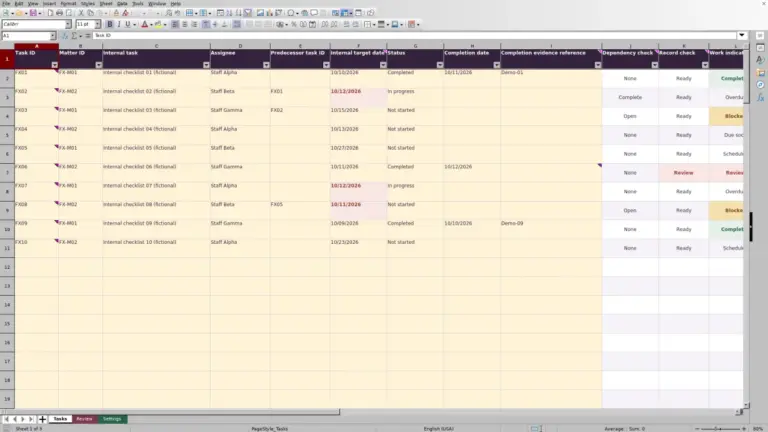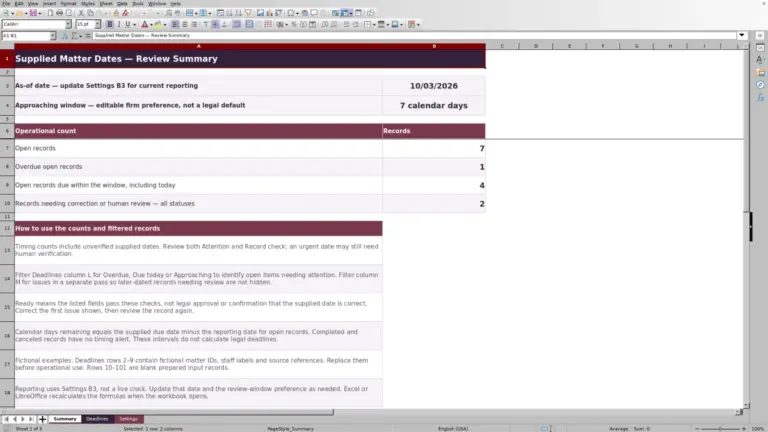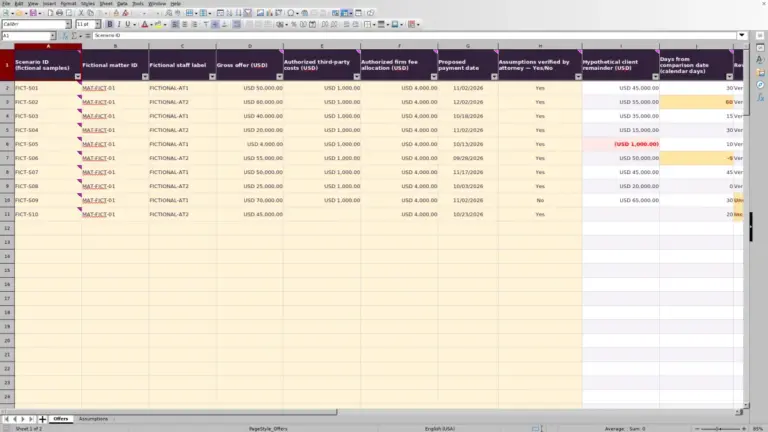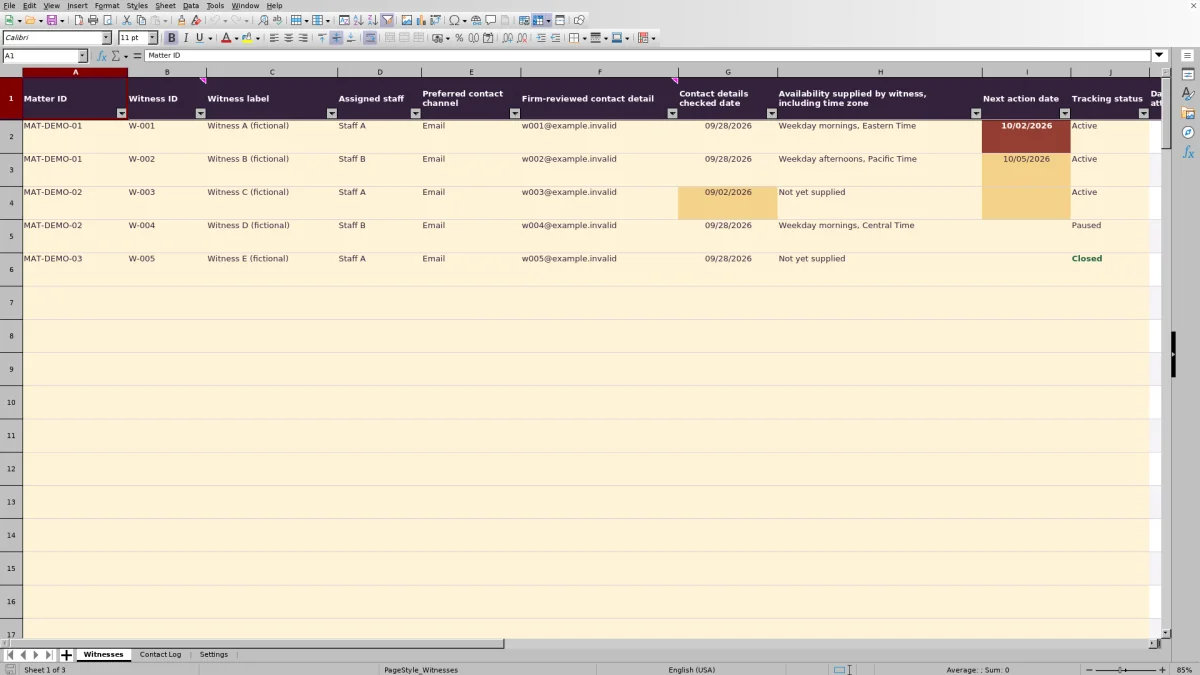
When several staff members contact witnesses, the supervising attorney needs a clear record of attempts and pending follow-up. The Law Firm Sheets witness contact tracker is an Excel workbook for maintaining witness references, firm-reviewed contact details, supplied availability and next-action dates.
Use it to prepare an administrative review, not to decide whether contact is permitted. Law Firm Sheets is an administrative Excel library, not a law firm or legal service. The workbook’s sample witness records, contact attempts and staff labels are fictional.
Where this workbook helps
- Keep witness availability and assigned staff together when planning the next contact attempt.
- Review dated attempts and recorded successful contacts without manually counting each witness’s log entries.
- Identify active records with overdue, upcoming or missing next-action dates for staff review.
- Use linked witness references to keep contact attempts associated with the recorded matter.
What is in the file
How to get started
1. Set the review context
In Settings, enter the firm-confirmed Review date in B2. Update this date manually before each review. Confirm the Contact-detail review threshold and Upcoming follow-up window in calendar days; these are firm-selected assumptions, not legal standards. Replace fictional staff labels within the existing staff list as appropriate.
2. Prepare the witness register
In Witnesses, replace the fictional sample inputs with your administrative records. Complete Matter ID, a unique Witness ID, Witness label, Assigned staff, Preferred contact channel, Firm-reviewed contact detail, Contact details checked date and Tracking status. Record supplied availability with its time zone, and enter an independently verified Next action date for active follow-up.
3. Record each contact attempt
In Contact Log, enter an Attempt ID, select the existing Witness ID, and complete Contact date, Staff, Channel and Outcome. The Matter ID column looks up the matter from Witnesses. Keep any Administrative next-step note logistical rather than recording testimony or privileged narratives.
4. Review the results and assign the next action
Use the Witnesses filters to review an assigned staff member, matter or Follow-up indicator. Check the underlying log before deciding what to do next. Preserve the formulas in Witnesses columns K–M and Contact Log column C; cells are unprotected, so pasting over them can remove the calculations.
Keep witness references stable across both records
Assign each witness record a unique Witness ID across the workbook, not merely within a matter. Contact Log uses that ID to find the Matter ID, and the attempt totals use it to match log rows to the witness. The calculations do not use the witness label or staff name as the link.
Create the witness record before entering attempts. If you later change its ID, update the related Contact Log entries as part of the same correction. Otherwise, earlier attempts may stop contributing to the witness’s totals and their matter lookup may display Unknown witness.
Use reference labels and matter IDs rather than client identities. For example, MAT-DEMO-01 and W-001 are fictional references supplied with this file. The administrative record should identify the right item for authorized staff without becoming a repository for sensitive case narratives.
Fictional example: interpret attempts before choosing follow-up
The supplied fictional record W-001 belongs to MAT-DEMO-01. Its Contact Log entries show a Phone attempt on 09/30/2026 with Outcome set to No answer, followed by an Email attempt on 10/02/2026 with Outcome set to Reached.
Both rows match the Witness ID and contain numeric contact dates greater than zero, so the formulas produce 2 Dated attempts and 1 Reached attempt. These are counts of recorded attempts, not a count of appointments or confirmation that follow-up is complete.
For this example, Settings has a Review date of 10/03/2026. The witness remains Active with a Next action date of 10/02/2026, so its Follow-up indicator is Overdue. A Reached outcome does not change that date or close the record.
The next decision is administrative: review the note and supplied morning availability, confirm the remaining action with the responsible staff member, and update the next-action date or tracking status if appropriate. Do not assume that a successful contact resolved the pending task.
Read the follow-up indicator as a review prompt
The Follow-up indicator evaluates the witness record in a specific order. A blank Witness ID leaves the result blank. With an ID present, a missing Tracking status produces Set status. Paused and Closed records display their status rather than an overdue or upcoming label.
For an Active record, a missing Next action date produces Set next action. A date before the Review date is Overdue. A date from the Review date through the end of the Upcoming follow-up window is Upcoming, including both boundary dates. A later date is Scheduled.
The review date is not a live clock. If Settings is left unchanged, the indicator continues to use that stored date. Updating a Contact Log outcome also does not update the witness’s next-action date or status.
These labels support internal follow-up only. Dates must be independently supplied and verified; the workbook does not calculate court-rule deadlines or send reminders. Keep any required calendaring in the firm’s established process.
Separate contact-detail review from permission to contact
Before another attempt, check Firm-reviewed contact detail and Contact details checked date in Witnesses. Those entries document a review performed by your firm. A recorded check is not permission to contact, and the workbook does not perform that judgment or send messages.
Settings includes a Contact-detail review threshold expressed in calendar days. Choose it under the firm’s administrative procedure rather than treating the supplied value as a universal rule. If an attempt has the outcome Contact detail failed, resolve the detail with the responsible person before relying on it again; entering the outcome does not correct the witness record.
Use Availability supplied by witness, including time zone for the availability actually supplied. If it is unknown, record Not yet supplied rather than guessing. The field is a written availability record, not an appointment booking or time-zone conversion tool. Confirm the applicable time zone before arranging the next contact.
Troubleshooting missing links, zero counts and rejected dates
- Unknown witness: Check whether the Contact Log Witness ID exists in Witnesses and matches the intended record. Correct the reference rather than typing over the calculated Matter ID.
- Unexpected zero counts: Dated attempts counts matching log rows with a numeric Contact date greater than zero. An undated row does not count, even if it contains an outcome or note. Reached attempts adds the requirement that Outcome be Reached. A zero describes the qualifying entries, not proof that no contact occurred.
- Blank results: A blank Witness ID leaves the witness calculations and the log’s Matter ID lookup blank. Complete the reference before interpreting the row.
- Rejected contact date: Contact date must be a whole numeric Excel date no later than the stored Review date. Check Settings if a legitimate recent attempt is rejected. Enter dates as MM/DD/YYYY without a time component, and do not use an attempt row to record a planned future contact.
- Duplicate or damaged records: Use distinct Witness IDs and Attempt IDs. The validation rules support unique IDs, but review pasted data for duplicates and overwritten formulas. If a calculated field has been replaced with text, restore it from a clean copy and recheck its references.
The counts are not a completeness test. Missing staff, channel or attempt identifiers still need correction even when a row contributes to a total.
Prepare a staff handoff within the workbook’s capacity
Before handing follow-up to another staff member, filter Witnesses by Assigned staff and review the open items together. Update the assignment where responsibility has changed, confirm the next-action dates, and use Contact Log to check the most recent logistical note. The staff member who made an earlier attempt can remain recorded in the log’s Staff field.
Saving a workbook or changing Assigned staff does not notify the new owner. Communicate the handoff separately and follow the firm’s file-access and version-control procedures. A dated copy can support a review snapshot, but it is not an automatic audit trail.
The prepared range is rows 2–101 on each record sheet: 100 witness records and 100 contact attempts. The attempt capacity is shared across all witnesses, not allocated per witness. Formulas, validation and filters use fixed ranges, so do not assume that typing below row 101 expands the workflow. If the record volume will exceed that range, have the workbook structure extended and tested or use a process suited to the larger log.
Compare this tracker with a blank spreadsheet
A blank spreadsheet may be enough for a short, one-time contact list. This workbook supplies an established structure when staff need a witness register connected to a separate attempt history.
| Method | Record linking | Review calculations | Setup and capacity | Staff responsibility |
|---|---|---|---|---|
| Law Firm Sheets witness contact tracker | Witness IDs link attempt rows to a recorded matter. | Prepared attempt counts and date-based follow-up labels. | Existing fields and validation, with 100 prepared rows per record sheet and fixed formula ranges. | Staff enter and verify records, update the review date and communicate follow-up. |
| Blank spreadsheet | Staff must design references and any links between records. | Staff review manually or build and test their own formulas. | Layout and range design are open, but fields and checks must be created. | Staff establish the recording procedure, check entries and communicate follow-up. |
Choose the prepared tracker when its fields and capacity fit the firm’s contact-review process. Choose a blank spreadsheet when the task is much simpler or requires a substantially different layout, provided someone can maintain the structure and verify any calculations. Neither option makes contact decisions for the firm.
Frequently asked questions
Should I remove the sample records before using the workbook?
Yes. The five witness records and five contact attempts are fictional, as are the sample staff labels. Replace or clear the sample input cells on both record sheets so they do not remain in your working totals. Preserve the formula cells, and confirm the Settings values before entering operational records.
Can I change the staff names and dropdown choices?
Settings contains the source lists for staff, contact channels, tracking statuses and attempt outcomes. Staff labels can be replaced within the existing list range. Adding items below a list’s current range does not automatically include them in its dropdown.
Use extra care with status and outcome wording: the calculations specifically recognize Active and Reached. Renaming those choices can change the results unless the related formulas are also revised and tested.
What belongs in an Administrative next-step note?
Keep it brief and logistical. A fictional example is: “Availability not yet supplied; assigned staff to confirm the next contact plan.” Avoid testimony summaries, privileged narratives, real client identities, addresses and bank information. A note records a next step; it does not assign a notification or complete the action.
Does the preferred contact channel have to match every attempt?
Preferred contact channel in Witnesses records the stated preference, while Channel in Contact Log records how a particular attempt was made. They are separate fields. Record the actual channel used, and resolve any departure from the preferred channel through the firm’s contact procedure rather than treating the workbook as authorization.
Editorial coverage

Audra PembrokeBilling and finance content

Graham ElleryPractice administration content